We can help you get set up
With white labeling, your documents will be delivered from an email address of your choice.
Finish your demo booking
Looks like you haven't picked a time for your personalized demo. Pick a time now.
Select date and time
Send documents from your own email or a custom domain so recipients know it’s from a trusted sender.
No credit card required




White labeling allows you to send emails from a custom email domain of your choice. This makes your messages more trustworthy and recognizable to recipients because they come from an address with your company’s branding.
This functionality is helpful for marketing teams, agencies, and businesses. These organizations send email marketing campaigns and hundreds of daily emails. Maintain brand consistency to avoid deliverability issues caused by spam filters triggered by unknown email addresses.
Recipients are reluctant to open emails from unknown senders. White labeling lets you use your own email or branded custom domain, so recipients don’t have to question where the email came from.
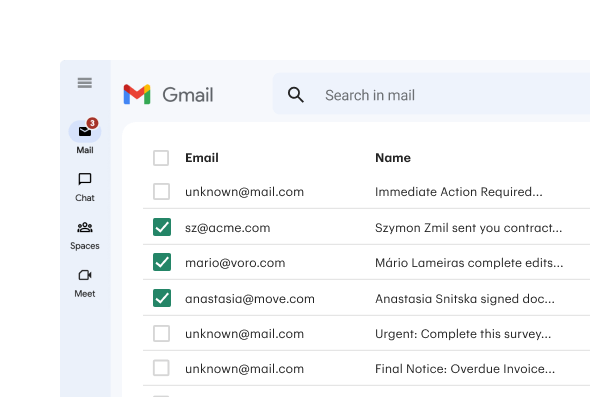
Without white labeling, emails may get flagged as spam or fail to reach inboxes. Ensure recipients get the documents they’re waiting for.

Build brand awareness with consistent messaging and standardized emails from your company, all without worrying about sending limits. Reach your audience as often as you need to maintain engagement and deliver your message effectively.
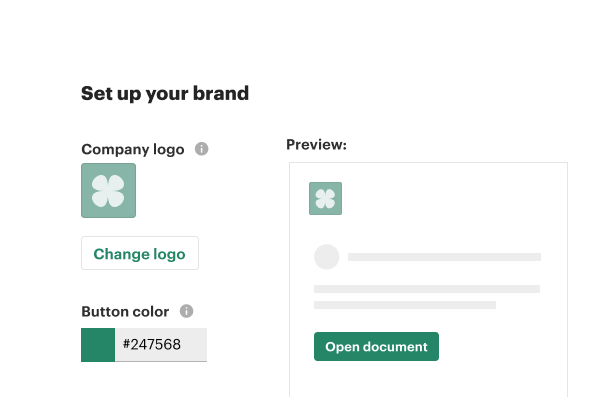

Your documents arrive from an email address and subdomain that we create for you. This subdomain includes your company’s branding. For example, your docs will be delivered from docs@yoursubdomain.com.

Contact your IT department to update your DNS records. We can send you detailed instructions to help you complete this step with your IT team.

Once your DNS records are updated, we’ll verify your new email and finish setting up your account. You’re ready to go and can now send emails from your custom subdomain.

Director of Business Systems & Processes

White-label email marketing ensures your newsletters show your company’s branding for a consistent, professional, and trustworthy experience for customers and prospects.
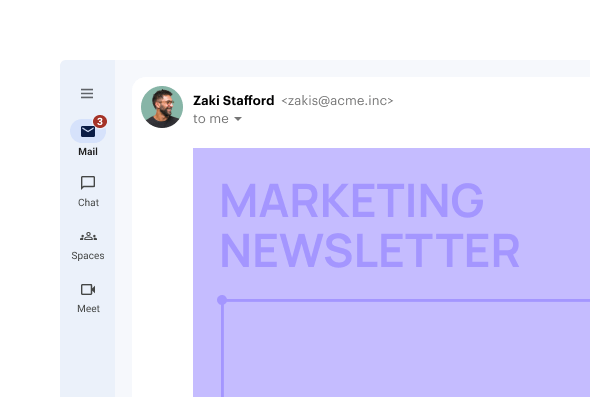
White labeling enables personalized, branded communication that improves engagement with potential customers.

Use this feature for order confirmations, shipping updates, password resets, and more. Prevent confusion by tying these messages to your company email.
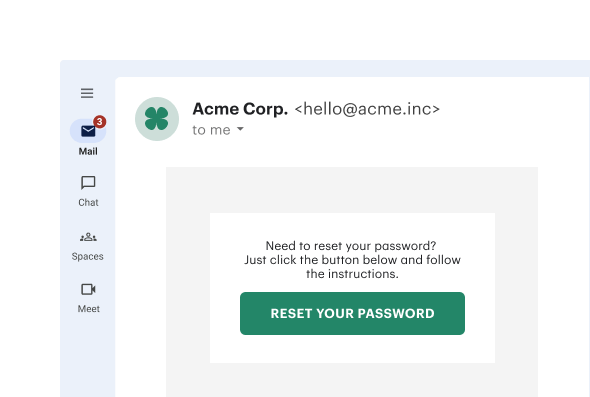
Get personalized 1:1 demo with our product specialist.
By submitting this form, I agree that the Terms of Service and Privacy Notice will govern the use of services I receive and personal data I provide respectively.