
How to use the product catalog
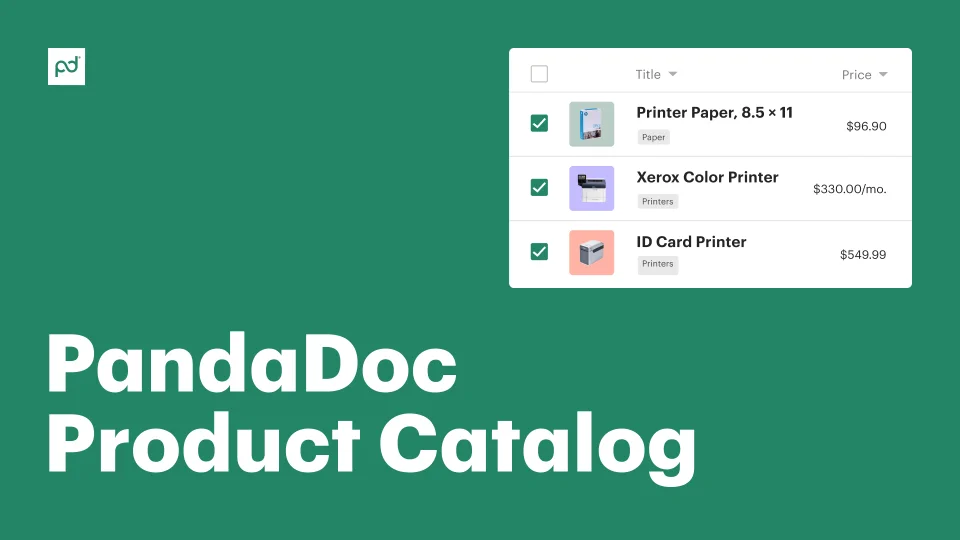
Use the Pandadoc product catalog to store all of your products and services in one place. Quickly add, configure, and organize all catalog items inside a single, user-friendly interface.
Finish your demo booking
Looks like you haven't picked a time for your personalized demo. Pick a time now.
Select date and time
Streamline proposal and quote creation by adding product SKUs, billable services, pricing tables, and other line items directly from your onboard catalog.
No credit card required

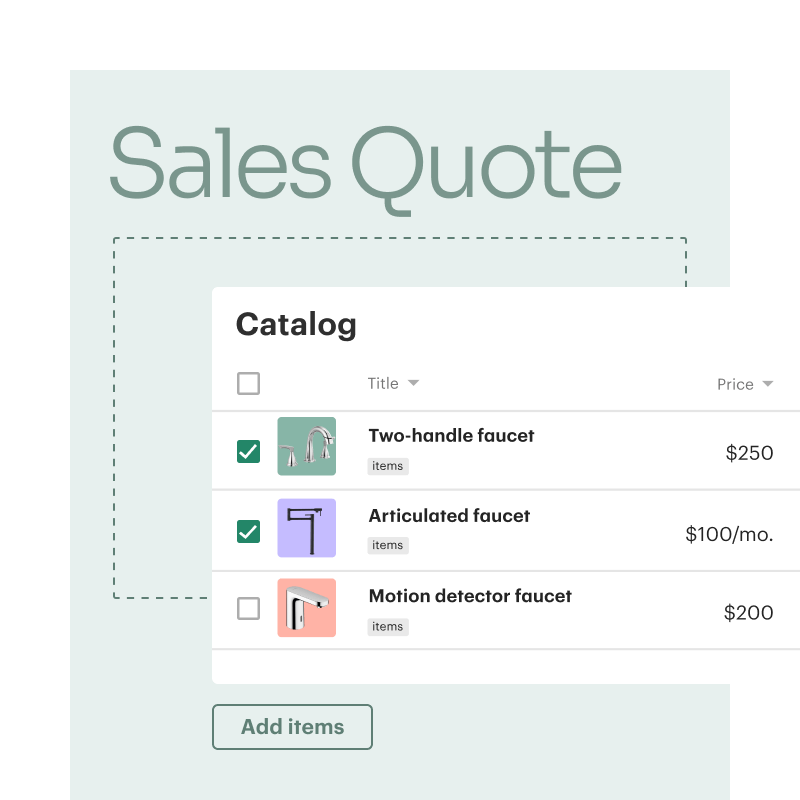
A product catalog acts as a repository for all sellable inventory — including any hardware, software, or services that a company might provide. When accurate, the catalog can act as a single source of truth during the sales and quoting process.
PandaDoc users can further streamline the sales workflow by adding pricing details and product descriptions to each listing. Sales representatives can search the catalog and use the listed inventory to build more accurate proposals, quotes, and invoices.
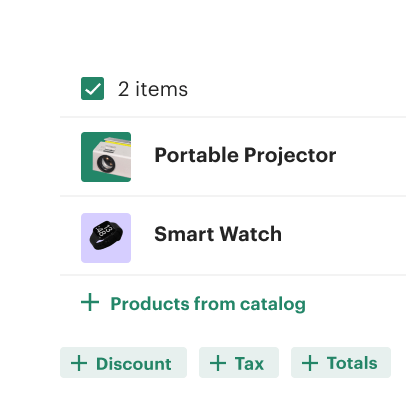
Improve quote accuracy by providing all sales channels with pre-set pricing for products and services.
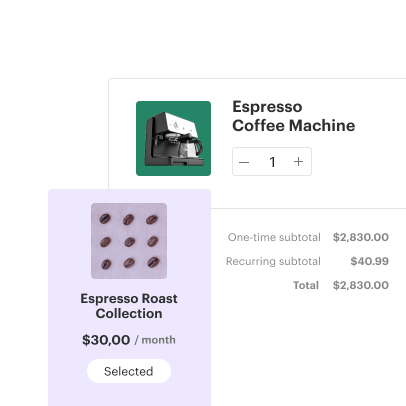
Add images, pricing, and other product details to each listing so that reps fully understand each line item.
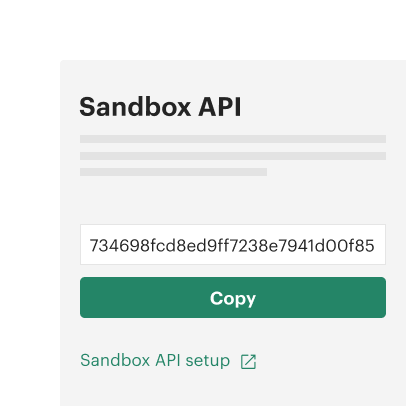
Leverage API tools, templates, and bundles to improve catalog management and expedite quoting processes.
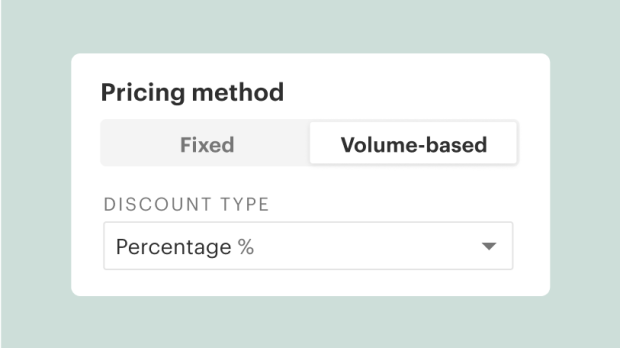
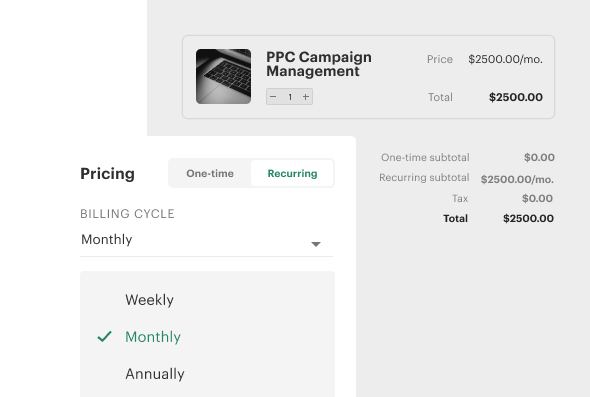
Eliminate customer confusion and create a better user experience with more accurate product data. Add pricing information to your product listings so that quote totals are always accurate. Use fixed-fee, volume-based, or recurring pricing options to ensure that all services, goods, and digital assets are accurately accounted for.
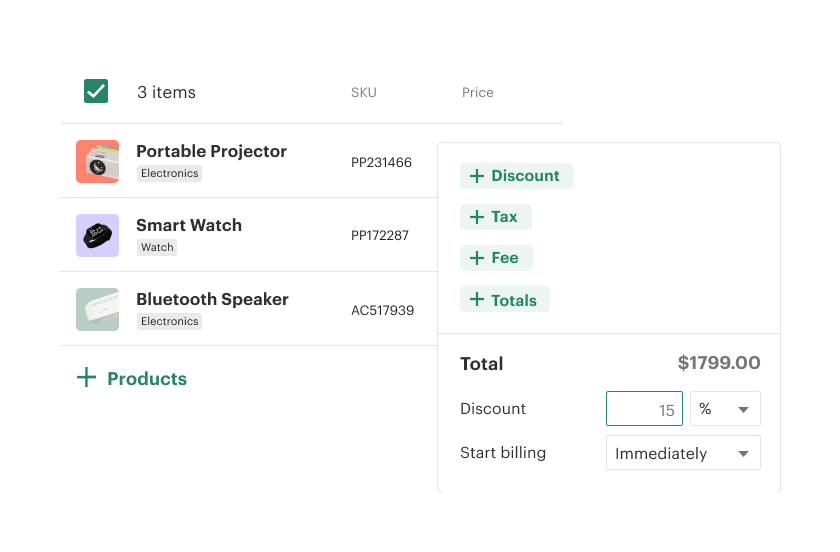
Consolidate your products and services into a single, online catalog. Add product bundles and unique pricing configurations. Use onboard pricing tables to add catalog data to your sales documents in real time.

In PandaDoc, critical product details like product descriptions and cost are included in the pricing tables you add to quotes and proposals.
This provides a more powerful customer experience and can include branded images and product descriptions for each catalog item so buyers understand every component of your proposed solution.

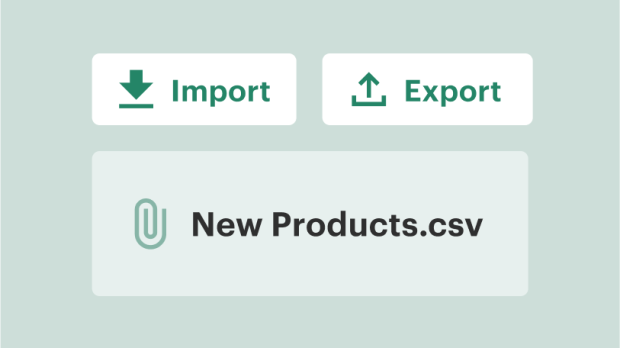
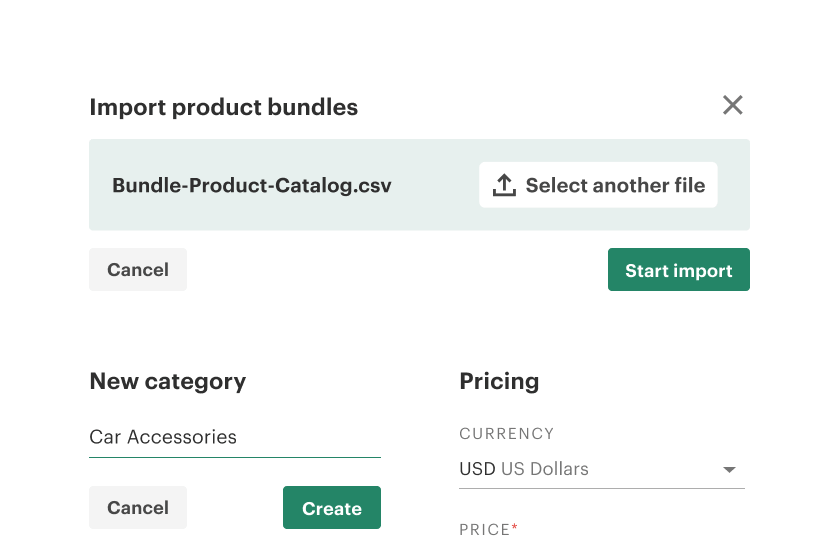
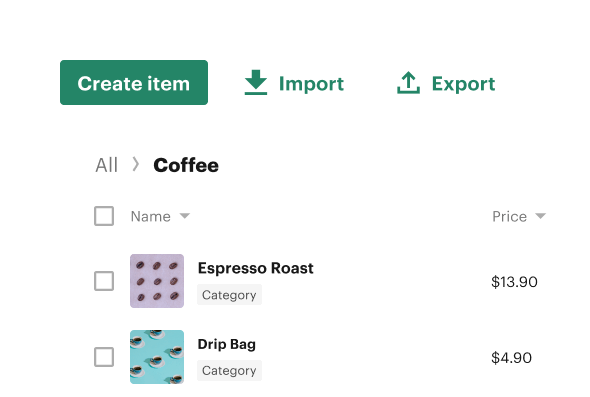
Stay organized with product catalog management tools. With PandaDoc, you can easily import product information using CSV files or API tools, then categorize and bundle items to quickly generate quotes.

Director of Business Systems & Processes

Manage product information — like images, SKUs, and descriptions — to automatically populate pricing tables with rich content that boosts buyer confidence.
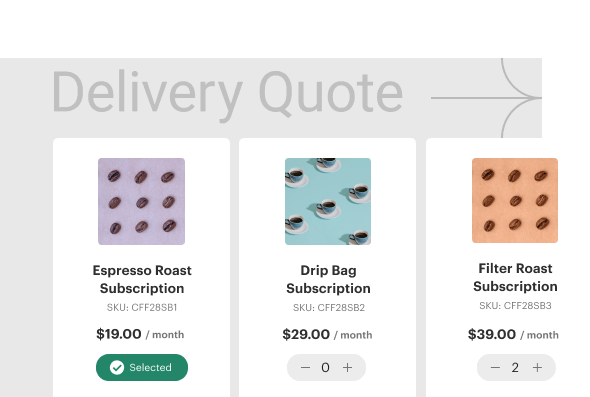
The product catalog offers three pricing solutions: Fixed, volume-based, and recurring. Administrators can adjust pricing based on how a unit should be sold. Reps can change quantities on a per-order basis.
Catalog items can also be configured to include volume discounts based on order quantity.
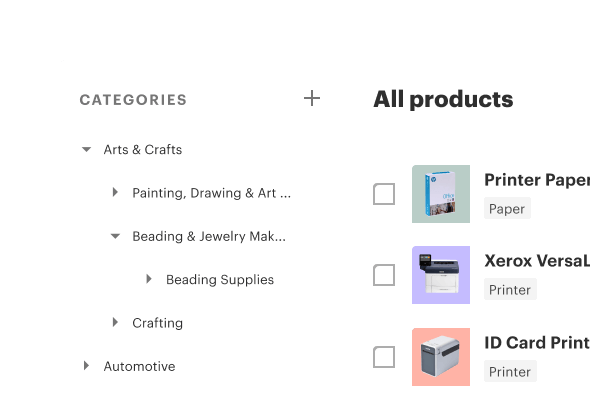
All catalog items can be grouped into categories and subcategories for faster navigation. Categorization is fully customizable, so products can be arranged in a way that makes the most sense for your business.
Use these tools for improved data management and better visibility for the types of products you sell.
For teams with large inventories, product catalog management can be handled through CSV importing and exporting. This eliminates the need to update product attributes one at a time. Administrators can use this scalability to quickly add new catalog items or apply bulk edits to multiple, existing entries.
Get a personalized demo with our product specialist.
By submitting this form, I agree that the Terms of Service and Privacy Notice will govern the use of services I receive and personal data I provide respectively.