Send documents in bulk (including with a CSV template)
Use a template to send one document to multiple recipients and provide each one their own unique copy to complete or review.
Finish your demo booking
Looks like you haven't picked a time for your personalized demo. Pick a time now.
Select date and time
Save time by automating mass document distribution. Use built-in variables, templates, and CSV files to send unique documents to hundreds of recipients.
No credit card required



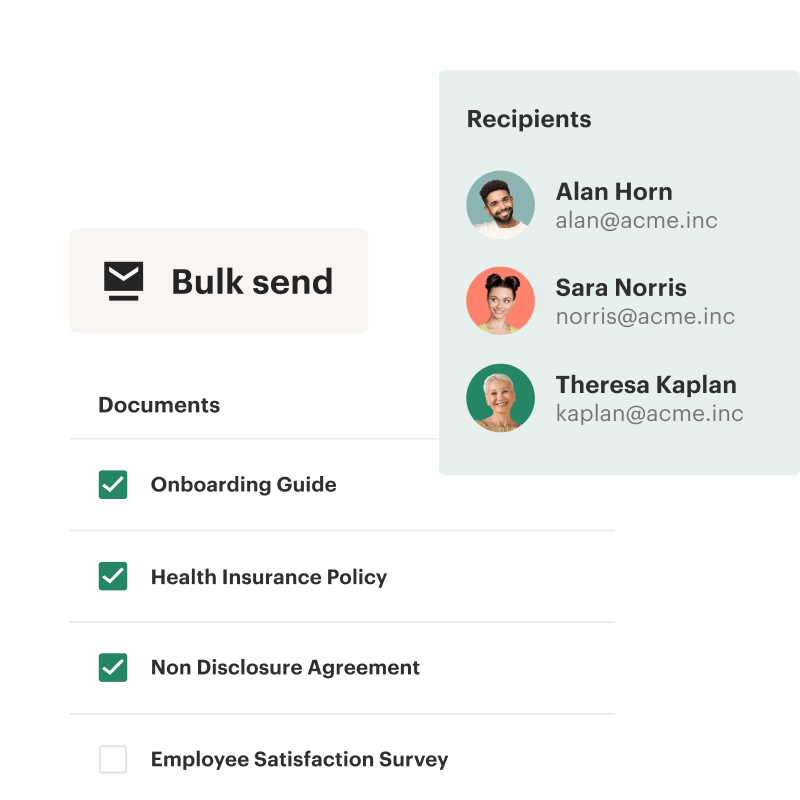
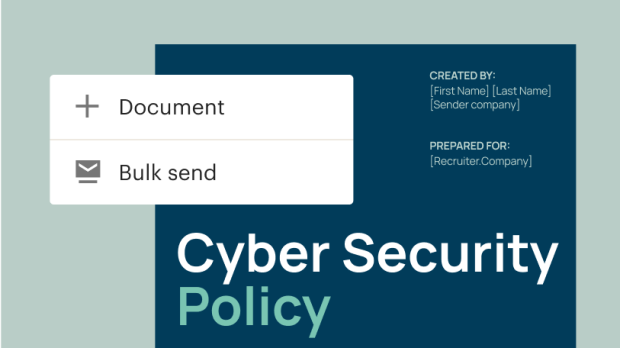
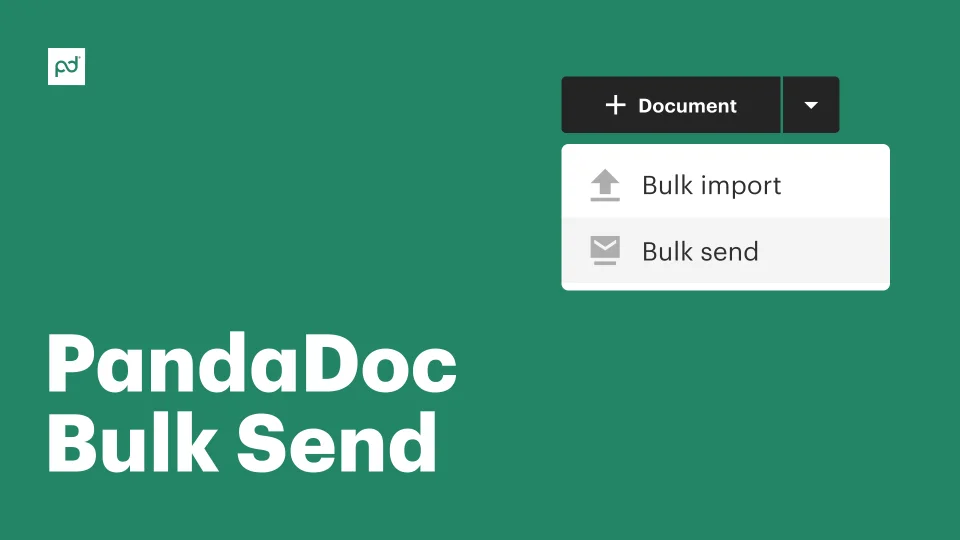
Bulk sending is the ability to distribute documents and emails to multiple recipients at the same time. Using this feature requires a document template with dynamic content blocks and a comma separated values (CSV) file that contains all the essential information required to send the document.
PandaDoc users can save time by using bulk send automation to send hundreds of documents and emails to a large number of recipients. While automated, each document can still be personalized, allowing for a scalable process that still aligns with brand standards.
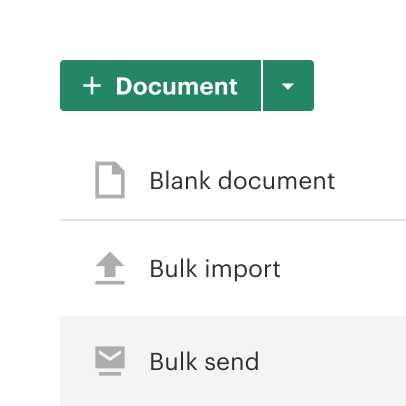
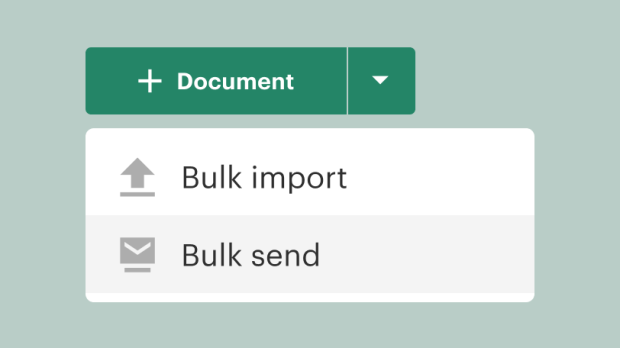
Send documents to as many as 1,000 recipients at once from a single interface.
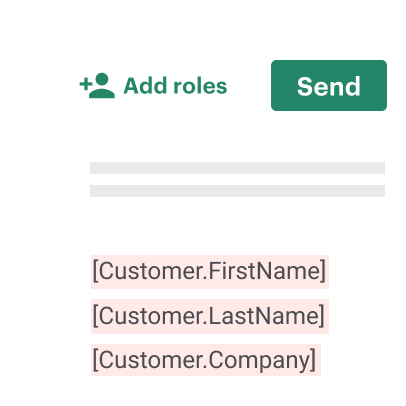
Use templates and variables to add names, addresses, and other unique information to automatically generated documents.
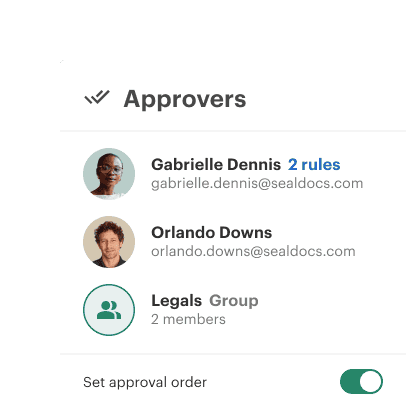
Automate distribution to multiple recipients and reclaim dozens of admin hours.
Traditional document preparation workflows are designed to send one document at a time. Preparers need to assign recipients, add e-signature fields, and create a personalized message.
While essential for contracts and proposals, this level of attention isn’t required for simple documents like NDAs or policy notifications. Streamline the distribution of these documents with bulk sending features to save time and effort for your team.
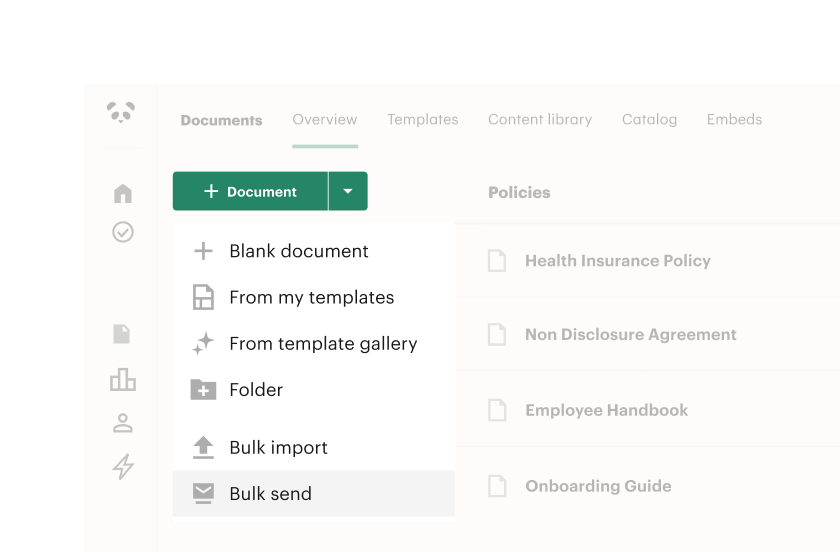
Tired of manually adding signers and recipients to every document? Consider bulk sending using CSV files for distribution.
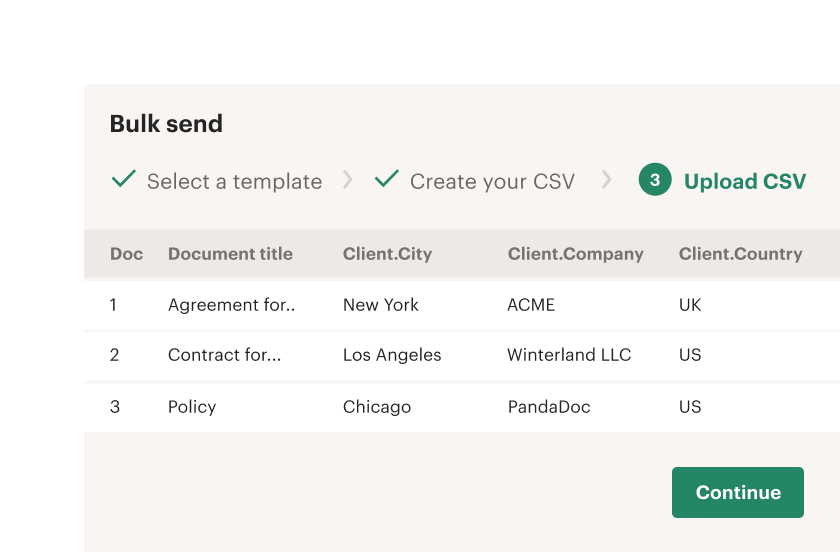
Organize recipient names in a spreadsheet, then use merge fields to automatically add that information to your documents. This simplified process replaces manual workflows with automated distribution for your entire recipient list.
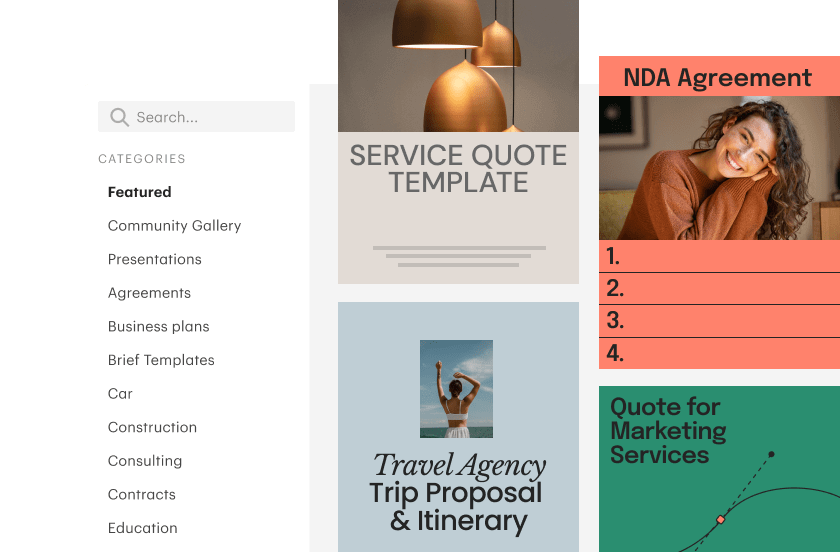
Bulk sending tools are perfect for transactional documents, but that doesn’t mean sacrificing your brand identity. Teams can still use pre-built document templates and maintain complete control over a document’s look and feel.
With PandaDoc, you can easily customize templates with the document editor to ensure that branding stays consistent during the bulk sending process.

Director of Business Systems & Processes

Standardized agreements, like NDAs, and updated addendums, like a notification of a service change, are necessary but largely administrative in nature. Companies need to send them, and they may require action from a recipient (such as an e-signature), but the content is standardized.
Documents that fall into this category are great candidates for bulk sending because they don’t require extensive personalization and often need to be sent to a large number of recipients.

For companies who hire in groups or waves, bulk sending is an efficient way to send essential forms, paperwork, and disclosures to new hires. Administrators can create the document templates, compile a list of recipients as a CSV file, and let PandaDoc do the work.
New hires can submit their info and complete the required documents, which can be added to the appropriate files and databases. PandaDoc also integrates with Greenhouse, so it’s easy to keep everything connected.

Many industries rely on waivers and consent forms before starting projects or addressing problems. These forms usually require an e-signature or a similar confirmation from the client.
Bulk sending is a great option in this scenario, especially when sending out forms to multiple new clients at once. With the right templates and setup, it’s easy to ensure that approvals are fast and easy for everyone.

Customer feedback is invaluable. Use bulk send to distribute feedback forms to a client or employee list and gather responses fast.
Prepare your documents with questions, dropdowns, and response fields, then send them with bulk email tools and a smart subject line to prompt engagement.

Get a personalized demo with our product specialist.
By submitting this form, I agree that the Terms of Service and Privacy Notice will govern the use of services I receive and personal data I provide respectively.