

CPQ SOFTWARE FOR SALES TEAMS
Automate your quotes
for faster deals
With PandaDoc, sales reps can create and deliver customized, accurate quotes and proposals in just minutes — not hours.
50,000+ customers build better documents with PandaDoc

Save time on quote creation
Building quotes by hand slows deals down. Use pre-built templates and integrations to send new documents in minutes.
Keep reps out of their inbox
With PandaDoc, reps get instant insights into when prospects engage with quotes so they can follow up at the perfect time.
Ditch manual data entry
Autofill quotes and proposals with customer data directly from your CRM to eliminate errors and costly escalations.
Sales documents that work
as fast as you do
Accelerate sales with end-to-end deal automation, powerful integrations, payment options and so much more.
Deliver polished, customized quotes
PandaDoc’s drag-and-drop editor makes it simple to create, brand, and store quote templates, so they’re endlessly repeatable and easy to generate.
Each template can be built with fields that pull customer data directly from your CRM and smart content that adjusts automatically (based on location, customer type, etc.), so customization takes just a few clicks.
Make negotiations and approvals easier
Accelerate your internal approval process by routing documents directly to stakeholders. Conditional approvals can even trigger when specific conditions are met, like for large deals or specific legal terms.
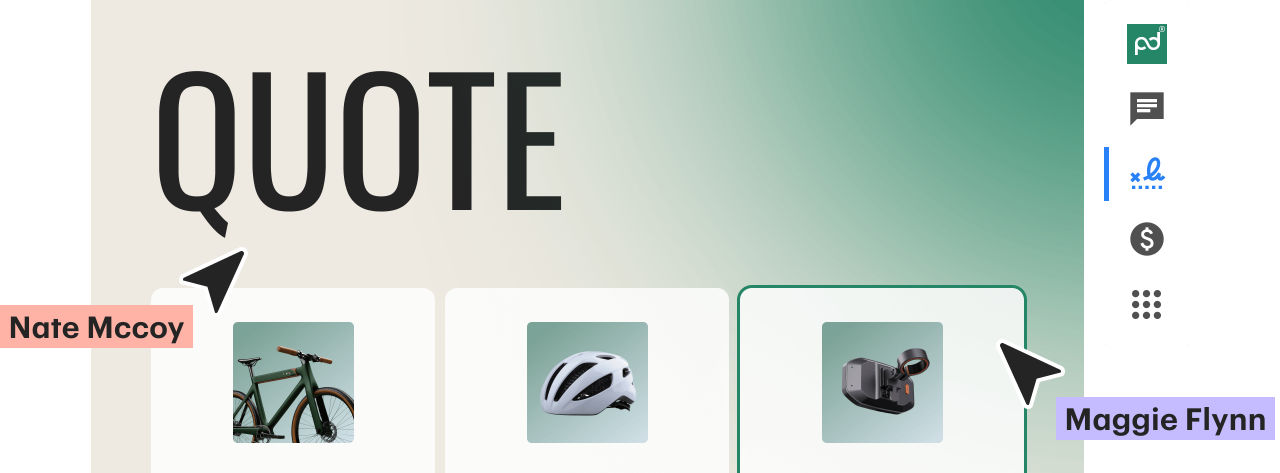
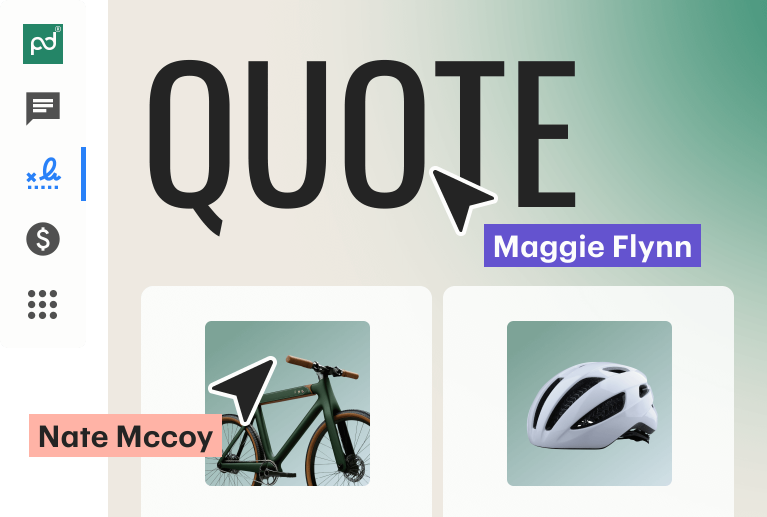
Once quotes are approved and sent, reps and customers can use commenting and redlining tools to make negotiations seamless and deals finalized ASAP.
Track interactions in real time
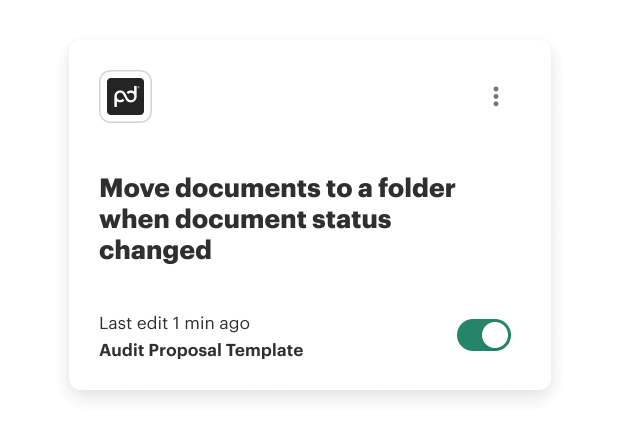
Know exactly when prospects engage with your documents. Get instant alerts when documents are viewed, or when users add comments and sign deals.
With PandaDoc, reps can see a page-by-page breakdown of where prospects spend their time. Sales teams can use these insights to follow up at the perfect moment, address objectives proactively, and keep deals moving forward.
Capture signatures, close deals fast
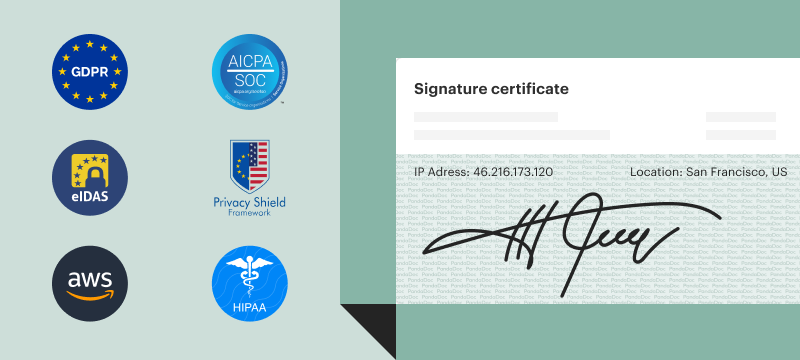
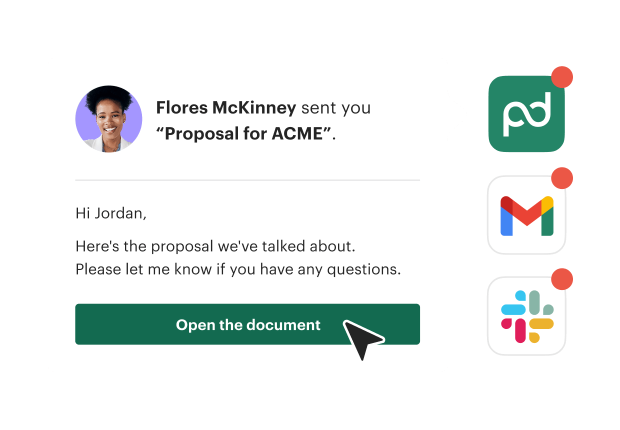
No more chasing down stakeholders. With PandaDoc, they can review and e-sign in one place, no third-party tools required. And every signature is secure and legally binding to keep deals moving fast.

Get paid right when deals close
Get paid fast by letting customers pay the way they prefer: online, directly from their quote. Embed trusted payment options like PayPal and Stripe directly in quotes to keep revenue predictable.

Reduced proposal creation time by 92%
Learn moreGets signatures 46x faster vs. using Docusign
Learn moreSaves 120 hours per month with faster proposals
Learn moreIncreased close rate by 5% via improved CPQ
Learn moreOne platform for every sales document
PandaDoc helps sales teams of every size create and manage quotes without switching tools. Eliminate manual tasks for reps so they can get back to what they do best: selling.
A better way to build quotes
The quoting process shouldn’t slow you down. PandaDoc automates quote creation so reps can finally focus on closing deals.
Put your brand front and center
PandaDoc’s intuitive document editor makes it easy to customize quotes and proposals with brand-approved colors, fonts, and layouts — just drag, drop, and go.
Once perfected, quote templates can be locked to maintain consistency. That way, every quote looks polished and professional, no matter who sends it.

Tailor quotes for every customer
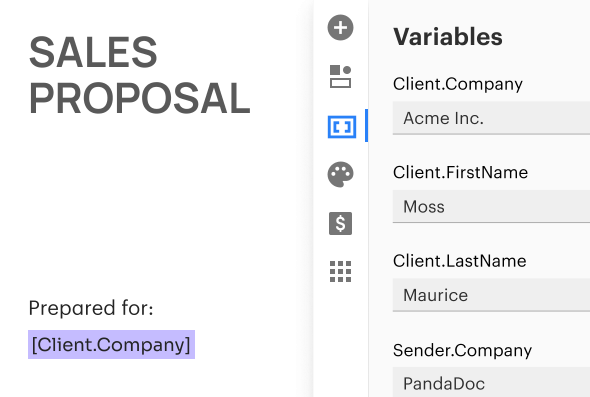
Your PandaDoc templates can include fields called variables that can be filled with unique details like names, dates, and company info that change with every new deal.
Filling these in by hand can be time-consuming, but PandaDoc can also link to your CRM and other third-party tools to autofill these variables with accurate information in just a few clicks.
Make your content even smarter
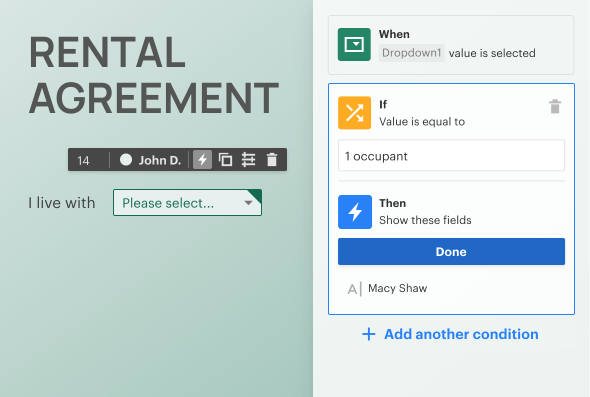
Quotes shouldn’t be one-size-fits-all. With PandaDoc, RevOps can build quote templates with smart content that automatically adjusts based on deal size, location, or customer type.
This helps sales reps send relevant, personalized quotes without manually editing every proposal by hand, saving time and improving engagement.
Deliver accurate, detailed pricing
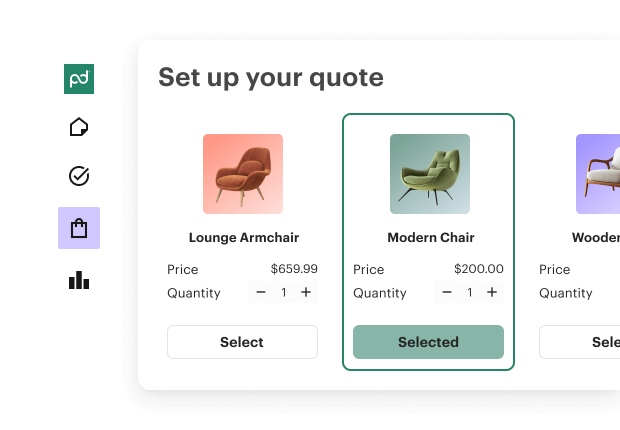
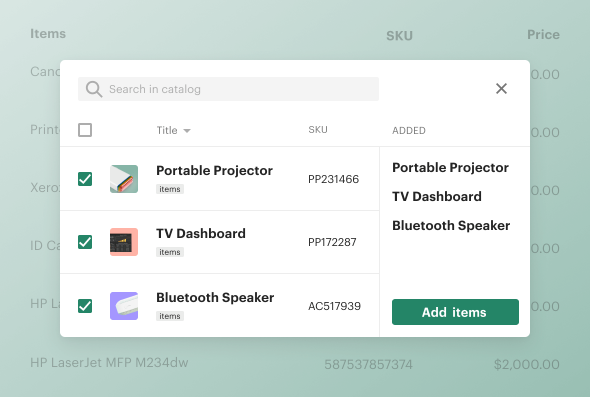
With PandaDoc, reps can use onboard product catalogs to import items into pricing tables that help customers better understand quantities and itemized cost breakdowns.
For businesses with robust product catalogs and advanced quoting needs, PandaDoc CPQ can help teams create custom product bundles, set up volume-based pricing, and more.
Keep customers in conversation
PandaDoc Rooms provides a partitioned digital space where customers can ask sales reps questions, leave comments, request changes, and review updates in real time.
By keeping everyone aligned in a shared space, you can finally stop sending emails back and forth, speed up negotiations, and reach a consensus for closed won faster.

Store every quote in one place
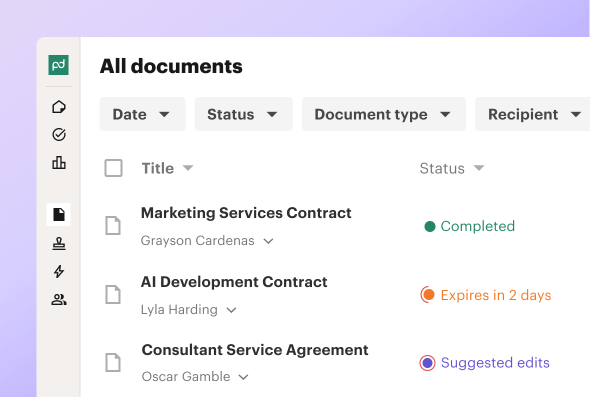
Every quote created in PandaDoc is stored automatically in a secure repository, so quotes, proposals, and agreements are always easy to organize and access.
This storage also has search and filtering features, so reps can refer to key documents as relationships move through every critical stage of the sales lifecycle.
Will O’Neil, Head of IT & Strategic Enablement at Nomad
"PandaDoc’s HubSpot integration is second to none in comparison to competitors. It allows us to get a lot of information from the CRM directly into PandaDoc."
92%
reduction in proposal creation time
20%
reduction in customer acquisition costs

25%
more documents sent per month
46x
faster to get a signature compared to Docusign


Built to integrate with all your favorite tools
Connect PandaDoc with your CRM, payment vendors, and productivity apps to streamline processes, eliminate manual tasks, and close deals faster than ever.
Resources for easier selling


It’s time your sales team met PandaDoc
Get personalized 1:1 demo with our product specialist.
- Tailored to your needs
- Answers all your questions
- No commitment to buy
Schedule your free live demo
- Fill out the form
- Book a time slot
- Attend a demo
By submitting this form, I agree that the Terms of Service and Privacy Notice will govern the use of services I receive and personal data I provide respectively.
Frequently asked questions
Learn how PandaDoc supports sales teams with automation, integrations, and secure document management.
How can PandaDoc help my sales team close deals faster?
Can PanadDoc integrate with my existing tools?
Does PandaDoc provide security when handling contracts and payments?
Can multiple users collaborate on a document?
What happens after a prospect signs my PandaDoc document?
Still need answers? Contact us