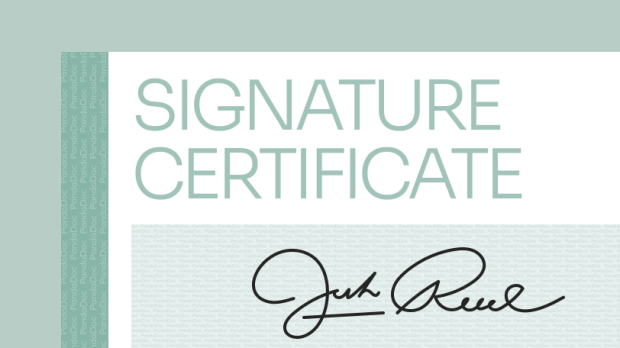
Learn how signature certificates keep your agreements secure and legally binding
Finish your demo booking
Looks like you haven't picked a time for your personalized demo. Pick a time now.
Select date and time
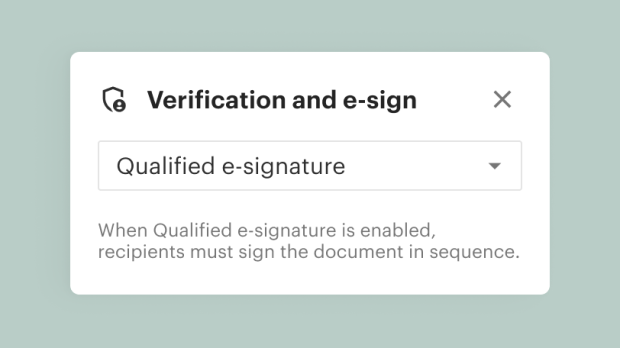
PandaDoc’s qualified electronic signature (QES) supports multiple signers and seamlessly integrates with trusted identity providers (IdPs) across the EU and beyond.
No credit card required




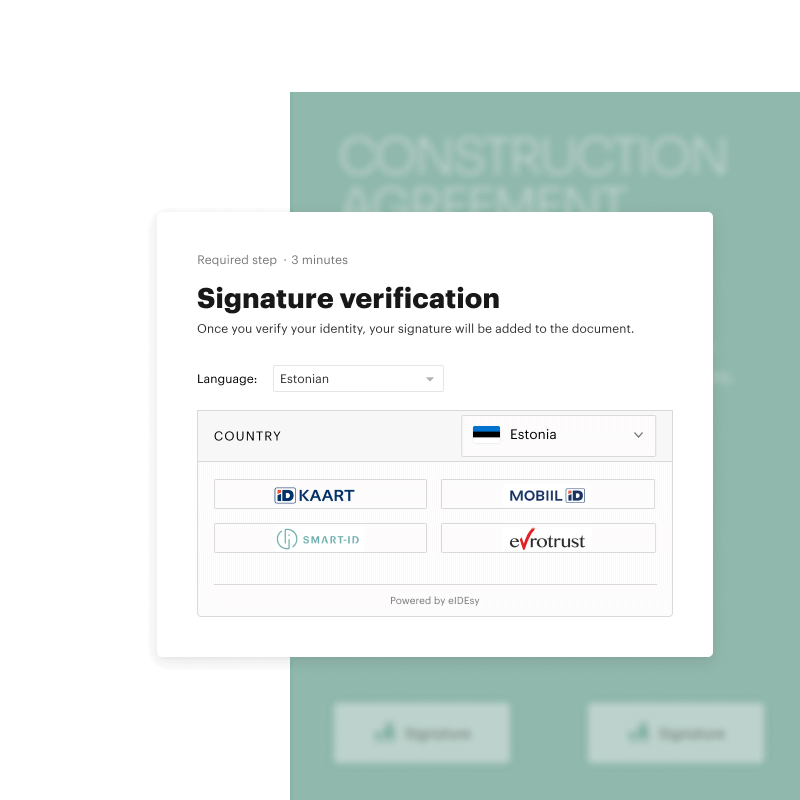
A qualified electronic signature (QES) is the highest standard of e-signature under the electronic Identification, Authentication and Trust Services (eIDAS) regulations in the EU. It provides legal assurance equivalent to a handwritten signature by verifying the signer’s identity through an accredited provider. A QES can also be referred to as an eIDAS-compliant signature.
This type of “know your customer” (KYC) qualified electronic signature is essential for regulated industries like HR, legal, and finance when signing contracts, employee documents, or cross-border agreements. QES signatures provide businesses the certainty that their agreements are legally binding and that their customers are who they say they are.
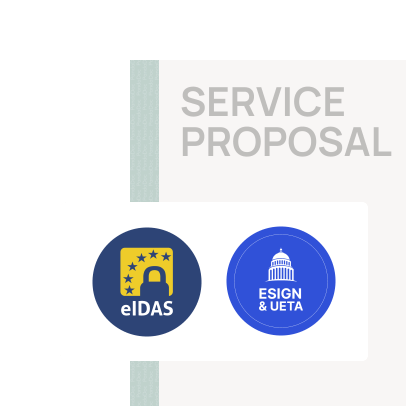
Every QES is backed by accredited Trust Service Providers (TSPs) so every high-trust document is legally binding.
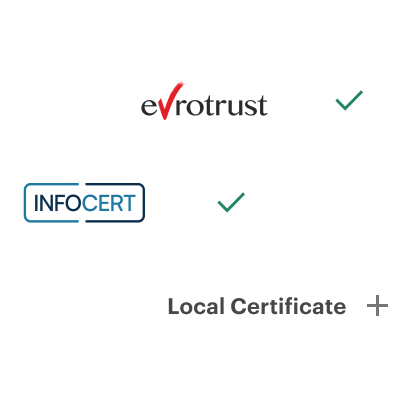
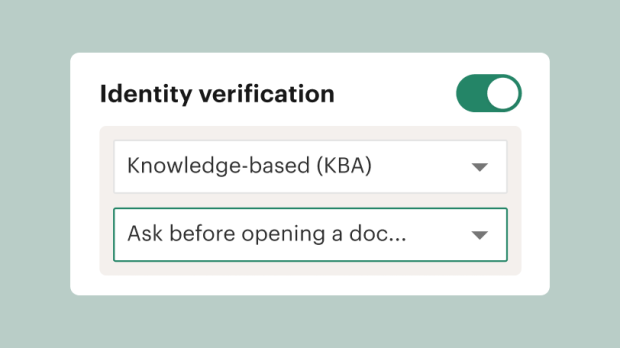
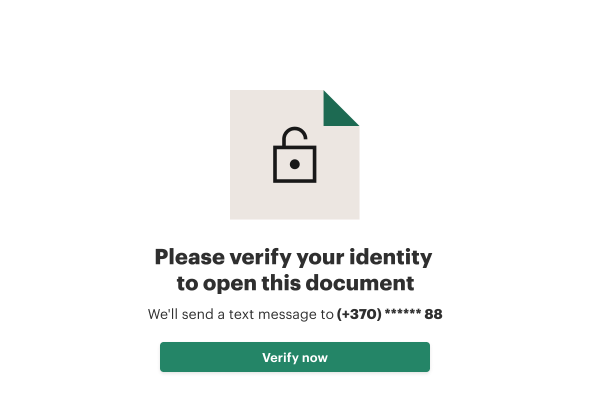
Our built-in Identity Provider (IdP) integration provides real-time identity verification before recipients sign.
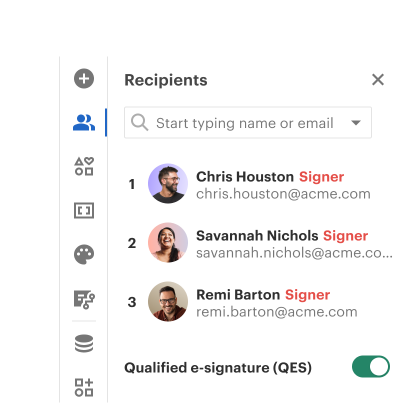
PandaDoc provides an embedded signing experience with multi-signer support for both sequential and parallel signatures
Drag and drop a signature field into your document and assign it to an individual recipient. Signers must be individual recipients, not groups or cc’d recipients. If multiple signers are assigned, you can set the signing order.
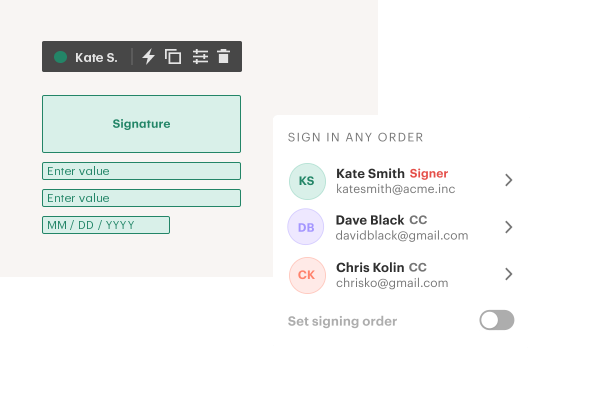
Once you send your document, the first recipient receives it and is prompted to sign. Once they do, it’s sent to the next recipient in the signing order. Once everyone’s signed, the document locks, protecting its integrity.
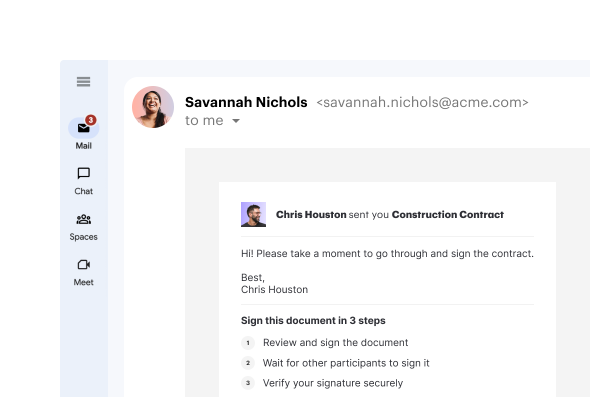
Once the document is locked, each signer — starting with the most recent — will be prompted to verify their identity via email and easy-to-follow visual cues provided by their local identity provider (IdP).
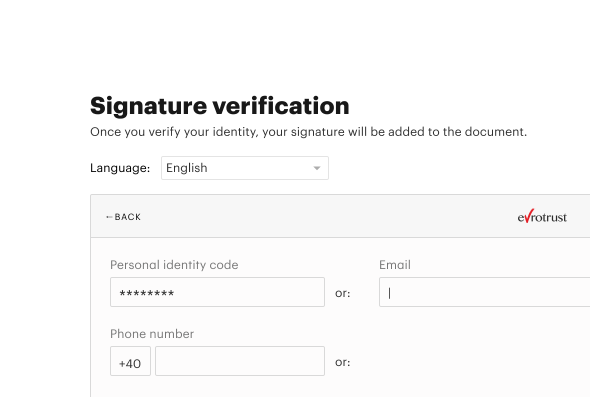
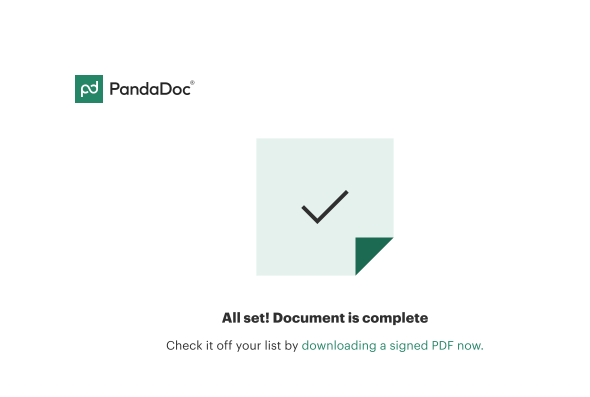
Once all signers have verified their identity with their local identity provider, the executed document becomes available for all parties to download for their records.

Revenue Operations Analyst at Wizehire

Businesses can quickly generate contracts and receive signed agreements in just hours. Our signing order forwarding and automated reminders keep agreements moving without the need for follow-ups.
The secure identity verification process ensures regulatory compliance. Sensitive tasks like onboarding new employees or obtaining patient consent result in accessible, legally binding documents.
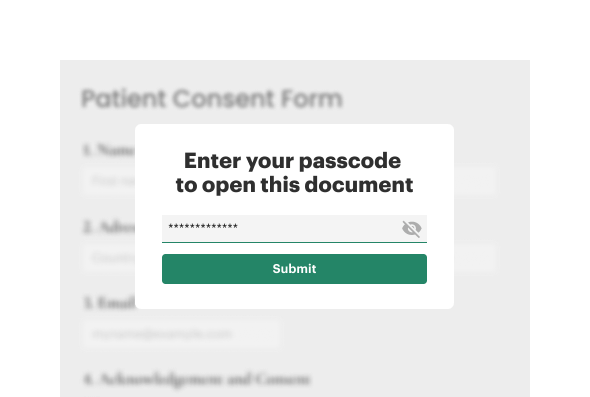
PandaDoc QES allows recipients to sign from any device and receive steps for verification via email. Real-time status tracking also keeps all parties informed until agreements are completed.
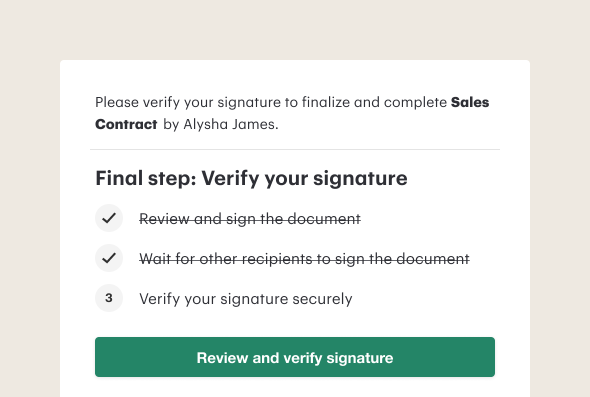
Advanced, end-to-end encryption and identity verification ensure any sensitive information remains protected. Secure, unique links are provided to all parties throughout the signing process, as well.
We’re ready to show you why we’ve stayed a leading e-sign solution with a free, no-commitment software demo.
By submitting this form, I agree that the Terms of Service and Privacy Notice will govern the use of services I receive and personal data I provide respectively.