See how you can setup automations to increase efficiency across your team
With document workflow automations in PandaDoc, your documents go where you want them to, automatically.
Finish your demo booking
Looks like you haven't picked a time for your personalized demo. Pick a time now.
Select date and time
Complete 87% more documents in half the time. Use PandaDoc’s document workflow software to build more efficient processes and manage important docs securely and instantly.
No credit card required


Document workflow automation involves using technology to create automatic processes to create, edit, review, approve, and send documents. Using PandaDoc to build time-saving workflows empowers your teams to reduce repetitive, manual tasks, minimize errors, and maintain consistency.
Automated workflow management enhances collaboration and allows your team to focus on higher-value tasks like scaling your business.
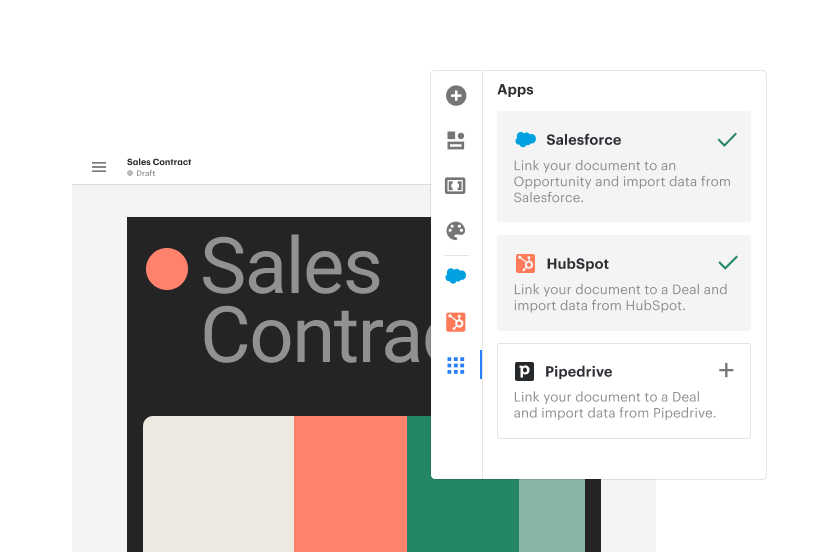
Use pre-made automation to sync information with CRM systems or schedule follow-ups once the document has been sent, signed, or approved. Automated reminder emails, approval workflows, CRM integrations, and seamless team collaborations keep your document processes running smoothly in the background, helping you focus on creating stunning documents that increase your close rate.
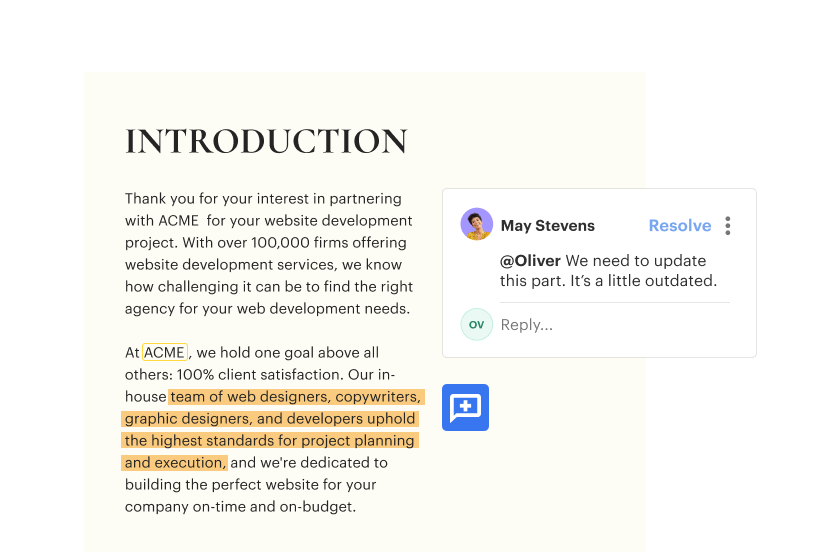
Focus more on value-added work rather than repetitive tasks. Our easy-to-use automated workflows ensure that all the boring stuff happens in the background. Enterprise workflow automation software allows you to keep your entire team on the same page by editing documents simultaneously in real-time, gathering important feedback within a single doc, and transferring document ownership from one user to another to keep your office running smoothly.
Out-of-the box integrations with your CRM allow your team’s proposals to get out the door faster and eliminate manual data entry errors.

Director of Business Systems & Processes

Use customizable, pre-made templates and smart content to decrease document generation time by up to 50%.
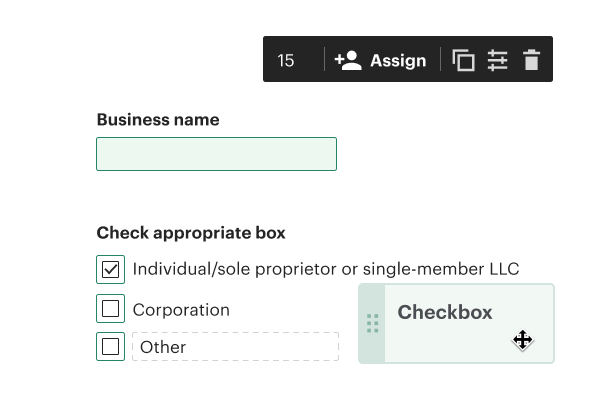
Smart variables and conditional content change based on user input, allowing you to create templates with pre-defined placeholders. Variables are replaced with customer-specific details, helping you create customized, error-free documents faster.

Pre-made templates and drag-and-drop functionality make it easy to tailor documents for your customers. Automated version tracking ensures that the most recent changes are saved and accessible, preventing confusion or overwriting issues.
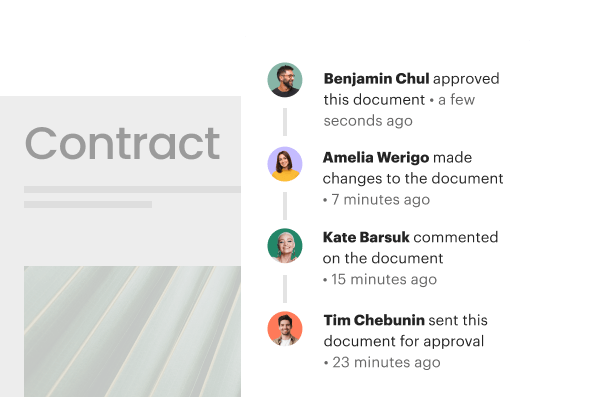
Built-in approval workflows ensure that documents go through the correct review process automatically, notifying stakeholders when it’s their turn to review or edit.

Open a template you’d like to set up an automation for, then select automations at the top of the page.

Click “Create automation” and choose a desirable action from the list, like moving a document to a folder or cloud storage or sending a document when its status is updated. Once you set up an automation within your template, any new documents created from that template will inherit the same setup.

Utilize your automations to improve business processes and tweak them easily if needed. To disable or delete them, go to the top of the page, select automations, and switch off the toggle beneath any features.




Why start from scratch when you can use templates with all the requirements and necessary legal terms?

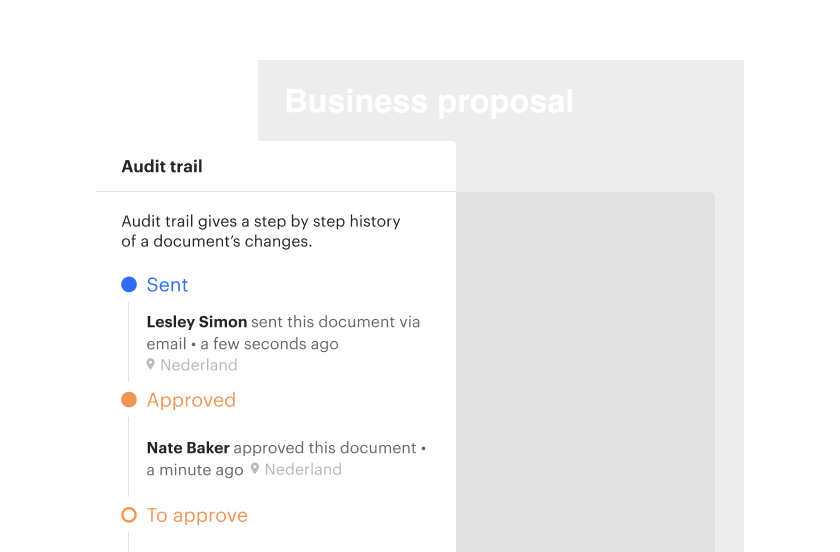
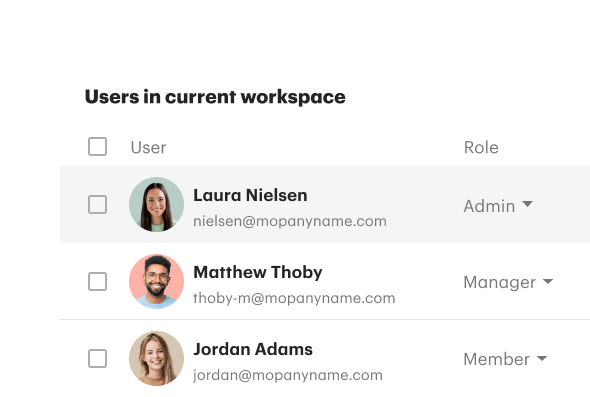
Automations help you create the ideal document management workflow for your team’s needs. Set permissions to safeguard sensitive data and use audit trails to monitor activity and recipient behavior.
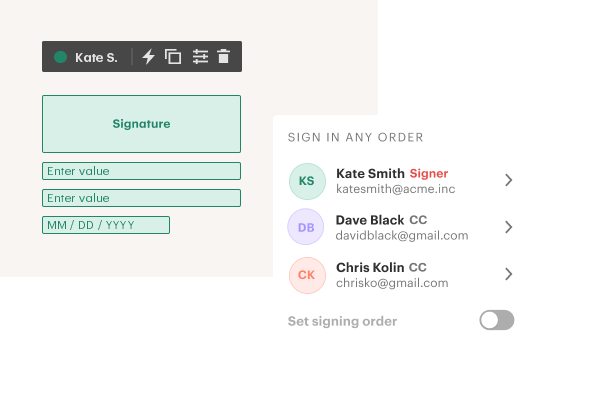
Shorten the time it takes to complete a document by embedding each necessary approval into one comprehensive, coherent, automated documentation workflow. Create signing orders and notifications so team members know when they need to take action to approve, edit, or sign documents.
Get a personalized demo with our product specialist.
By submitting this form, I agree that the Terms of Service and Privacy Notice will govern the use of services I receive and personal data I provide respectively.